AnyTool

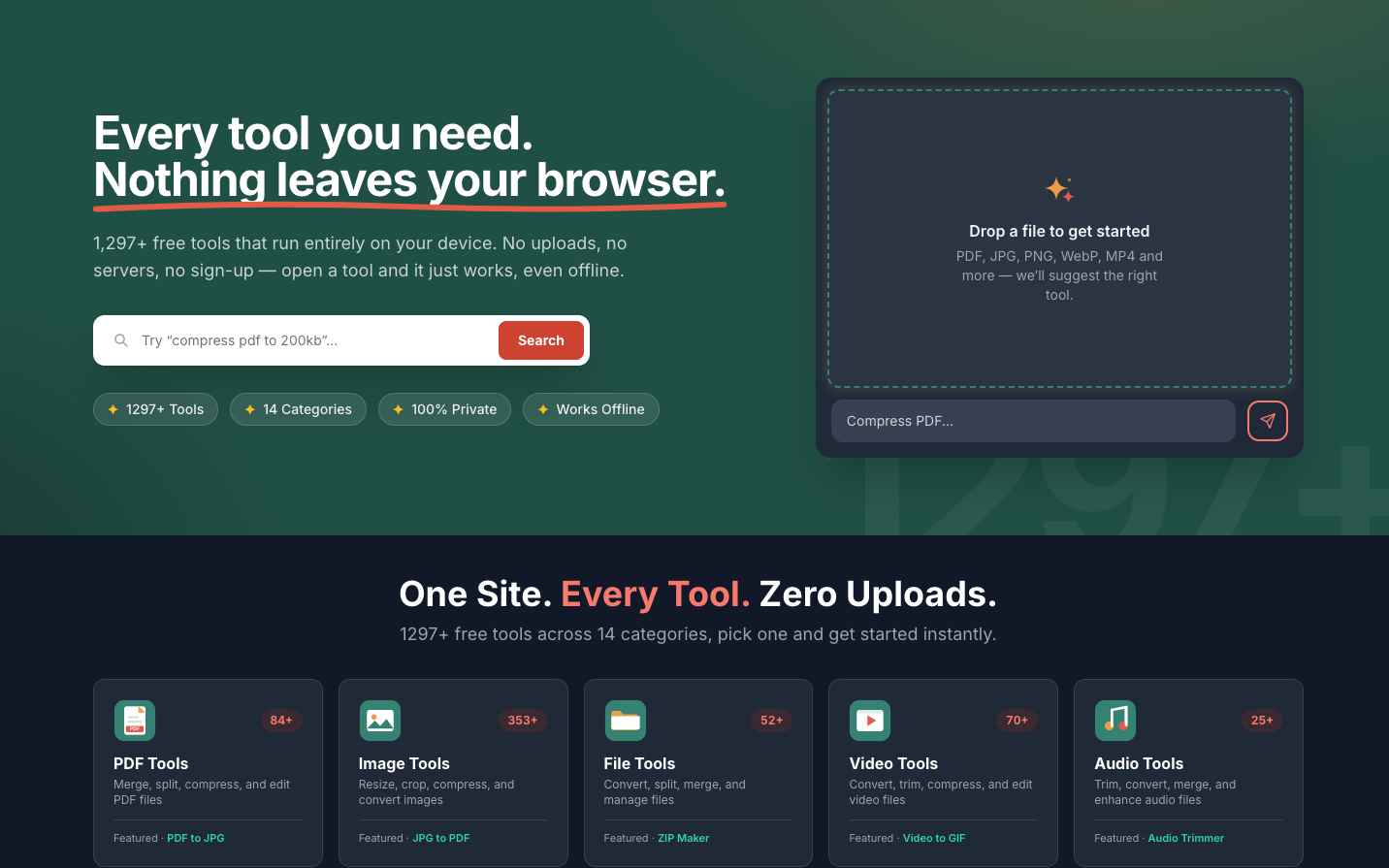
1,300+ free tools that run entirely in your browser.
Type
Web
Platforms
Web
Built with
Next.js · React · TypeScript · WebAssembly
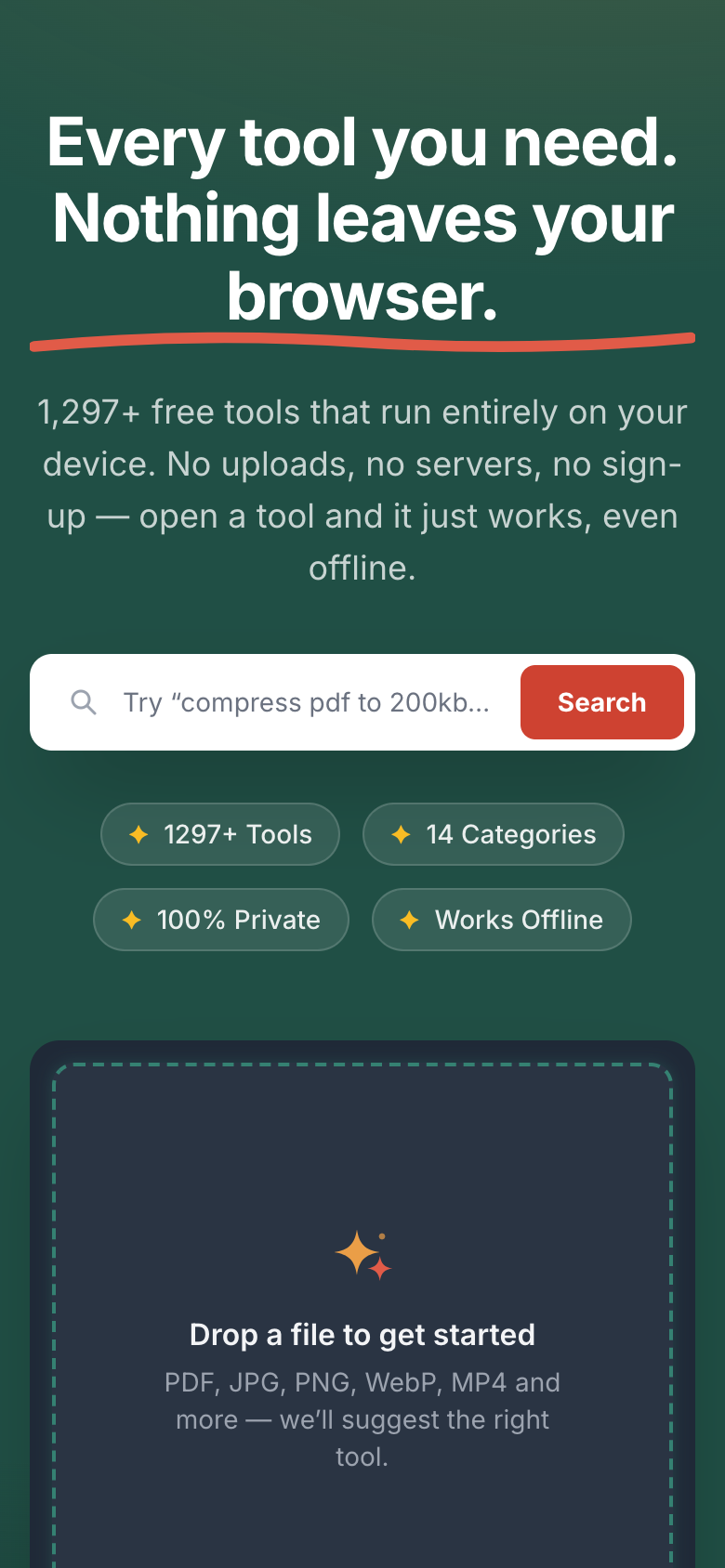
Fig. 01 — AnyTool on desktop and on a phone: search for a tool, or drop a file.

Overview

A toolkit that never uploads your files.

About

A privacy-first toolkit for images, PDFs, video, developers and more. Files are processed on your own device and never uploaded. No sign-up, no limits, and it works offline.

Where it is live

The web, at anytool.tech (opens in a new tab).

What we did

  1. Product design
  2. Web app
  3. Launch

Tools

Fourteen categories, one search box.

Search for a tool, or drop a file and get a suggestion. Each category has its own page, with its own search.
  • PDF
  • Image
  • File
  • Video
  • Audio
  • Developer
  • Text
  • Converters
  • Calculators
  • Generators
  • SEO & Web
  • Design
  • Security & Privacy
  • Social Media
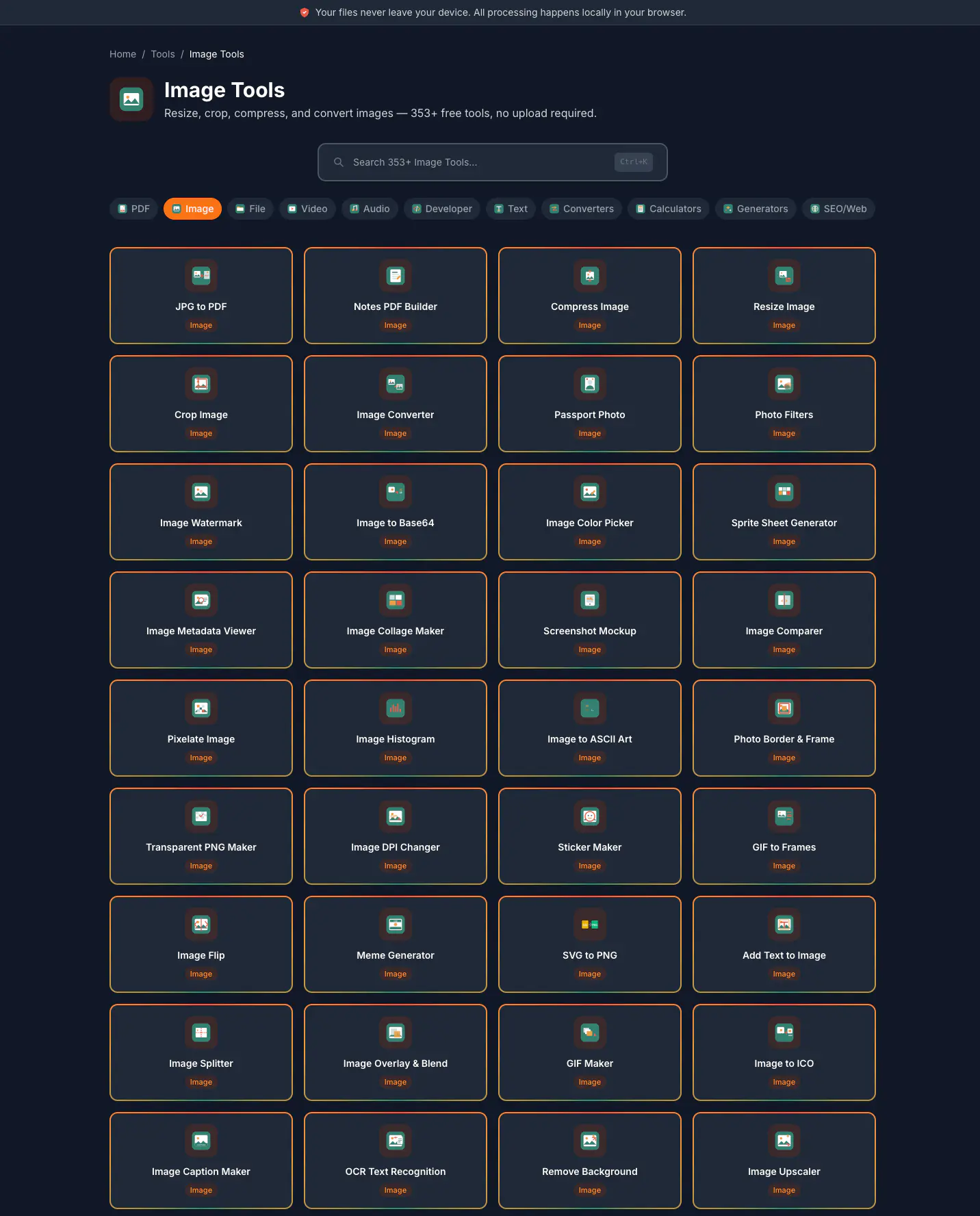
The Image Tools page on desktop, in dark mode: a search box, category chips and rows of image tools, among them JPG to PDF, Compress Image, Resize Image and Crop Image.
Fig. 02 — The Image Tools page: its search, the categories and the first rows of tools. Scroll inside the window.

On your device

Tools that run in the browser tab.

Heavy work runs in Web Workers and WebAssembly on the visitor’s own device, so files never have to be uploaded.
Images and PDFs

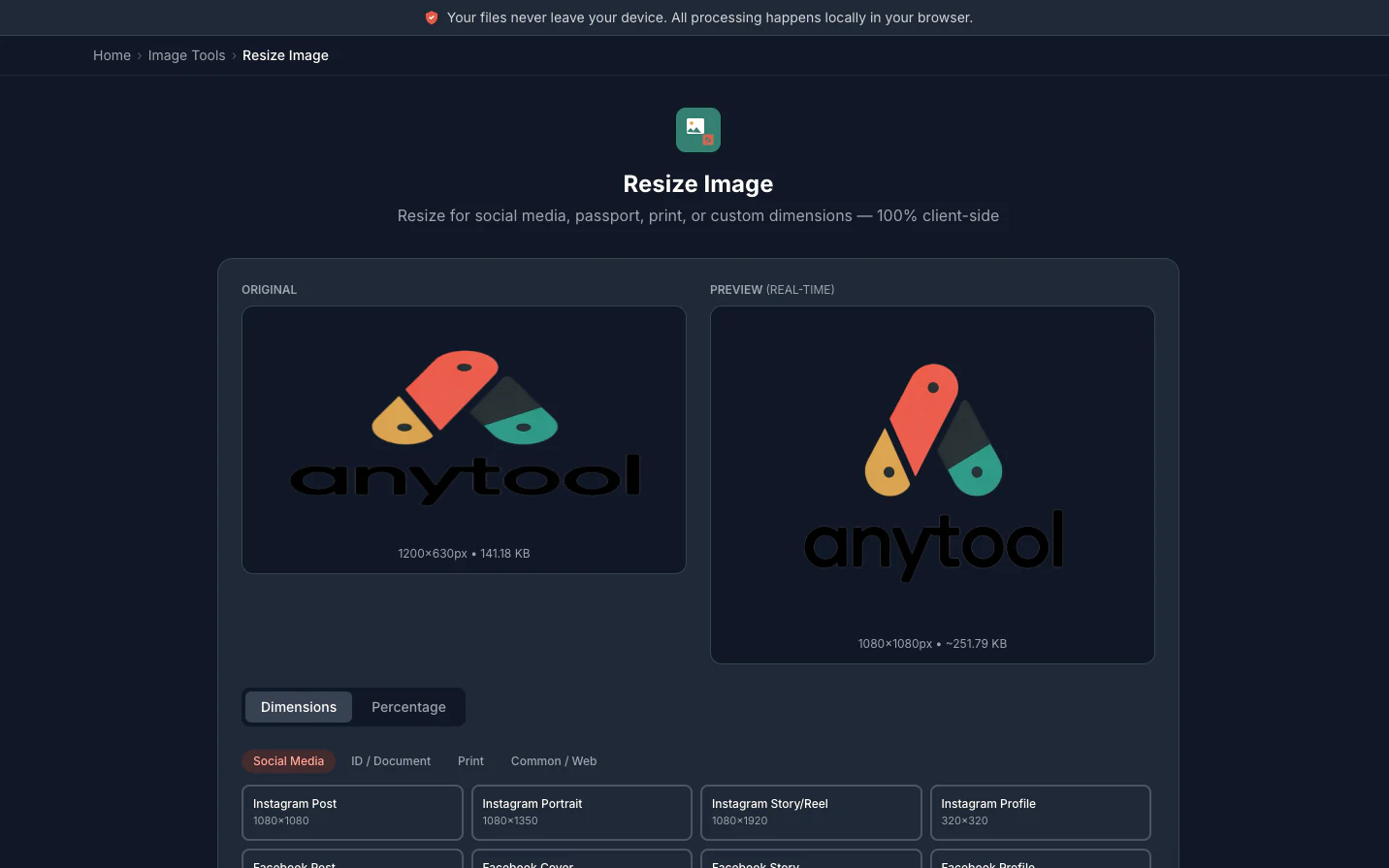
  • Resize Image tool on desktop: the original image beside a live preview at the new size, with size presets below.
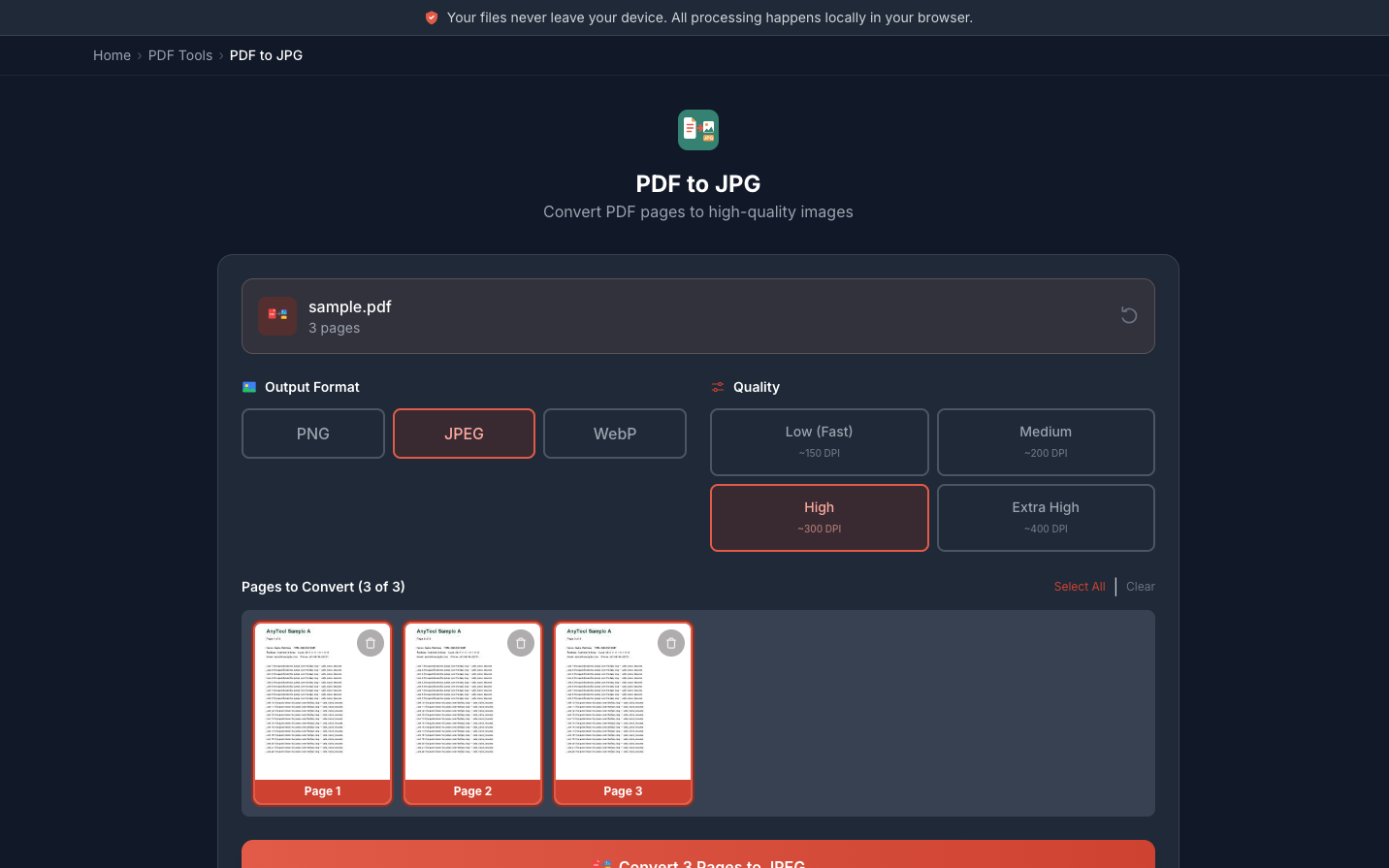
  • PDF to JPG tool on desktop: a three-page sample PDF, output format and quality choices, and page thumbnails.
Fig. 03 — Resize Image previews the result live; PDF to JPG converts pages at the format and quality you pick.

Security tools

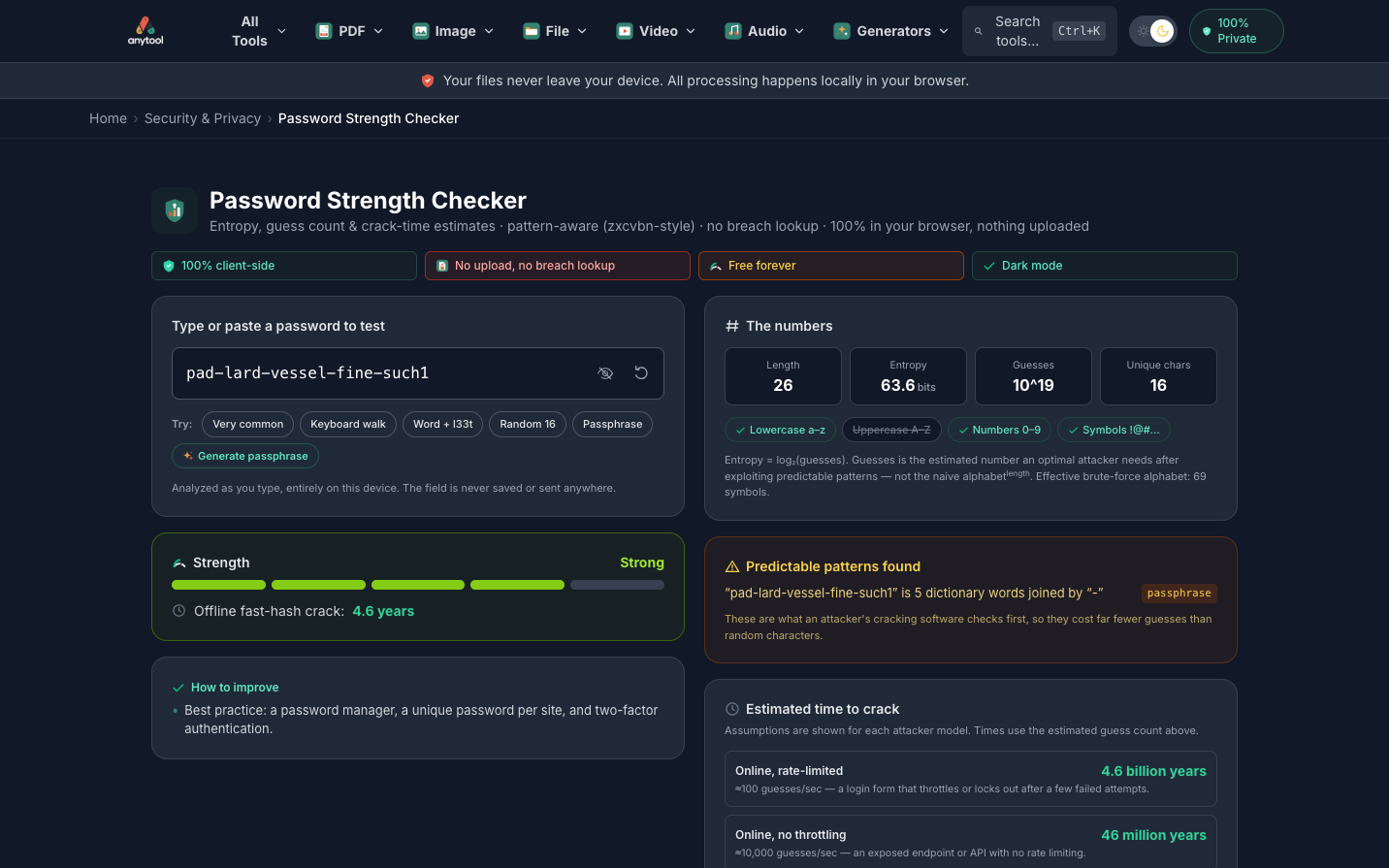
  • Password Strength Checker on desktop, under the AnyTool header and menu: a sample passphrase rated Strong, its entropy figures and crack-time estimates.
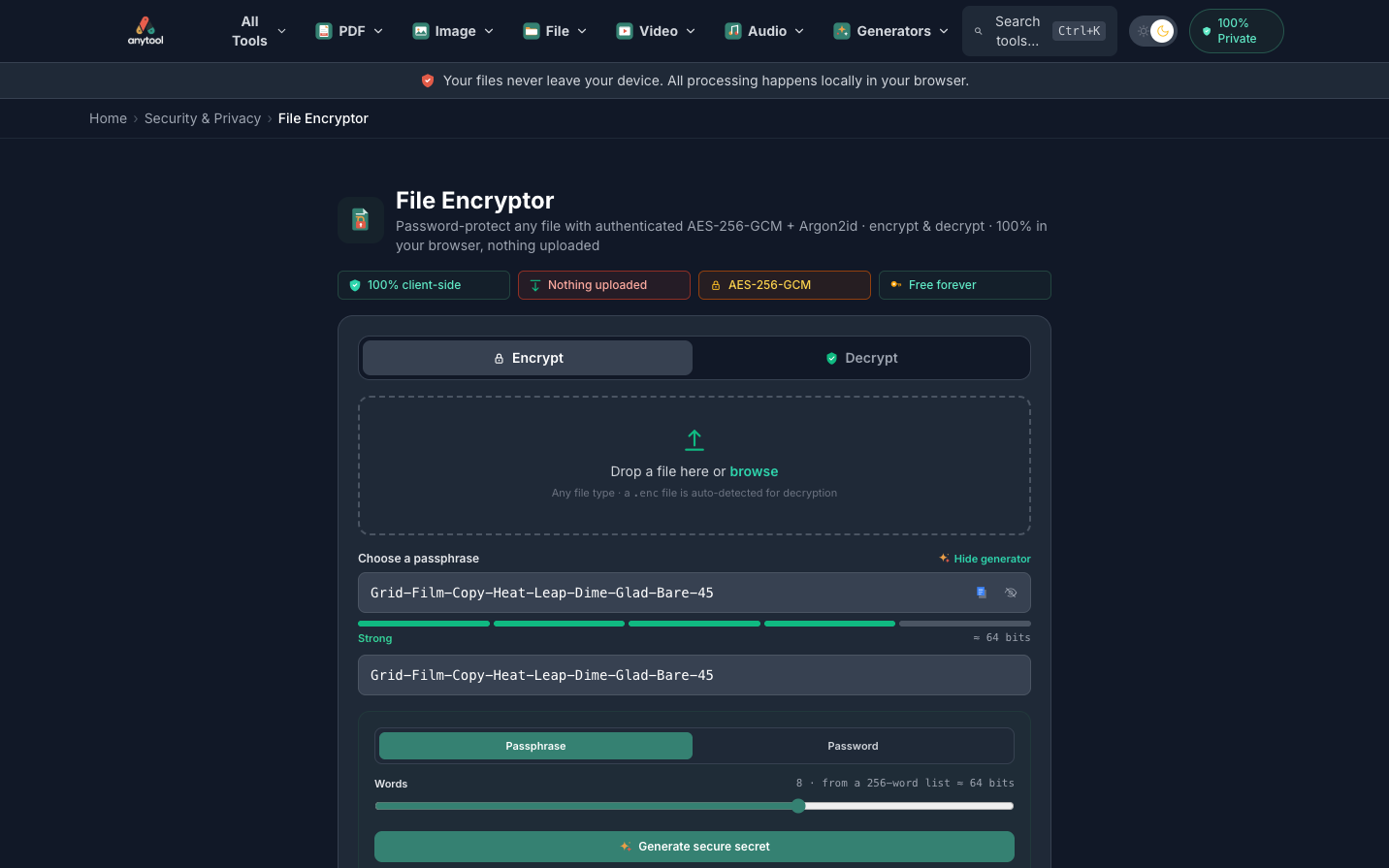
  • File Encryptor on desktop: encrypt and decrypt tabs, a file drop zone and a generated passphrase rated Strong.
Fig. 04 — A password check and file encryption, both done in the browser.

Phone

On a phone, in dark and light.

The same tools on a small screen, with a bottom bar within reach of the thumb.
  • AnyTool home page on a phone, in dark mode: the headline, a search box, four feature chips and the file drop zone.
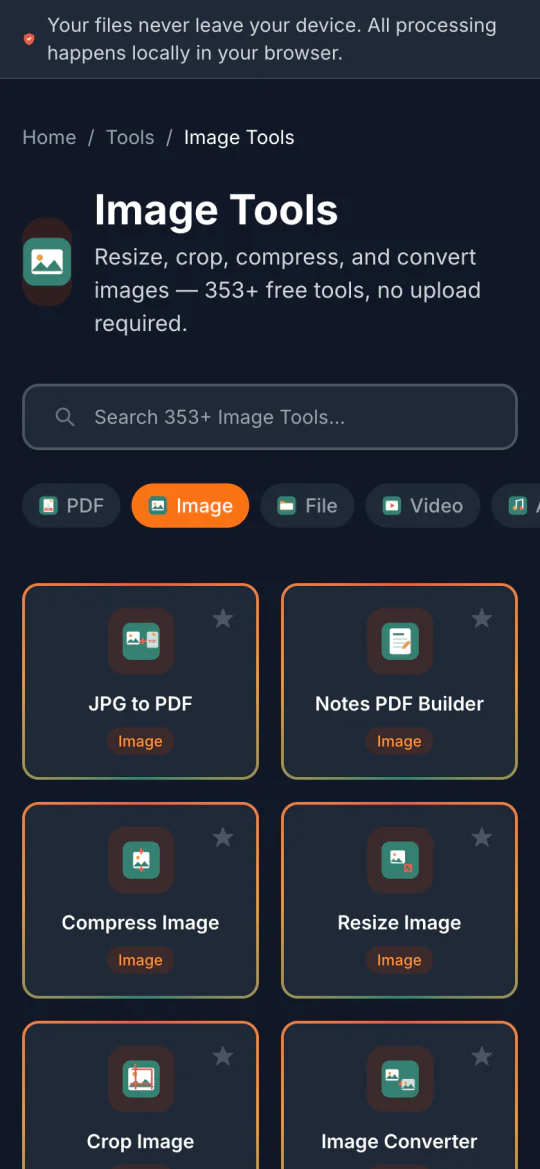
  • Image Tools page on a phone, in dark mode: search, category chips and tool cards in two columns.
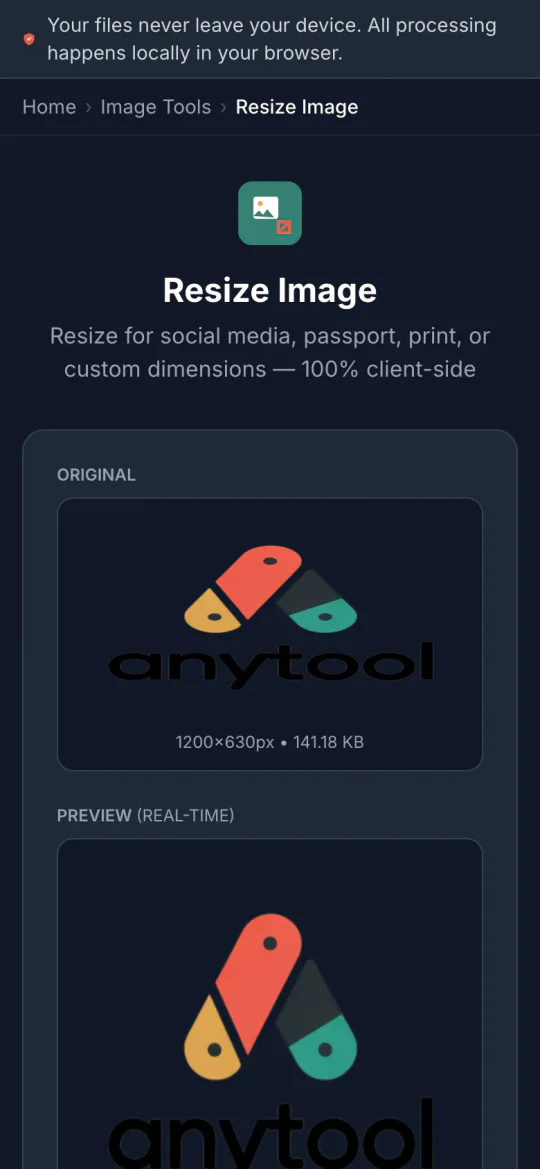
  • Resize Image tool on a phone, in dark mode: the original image above the live preview.
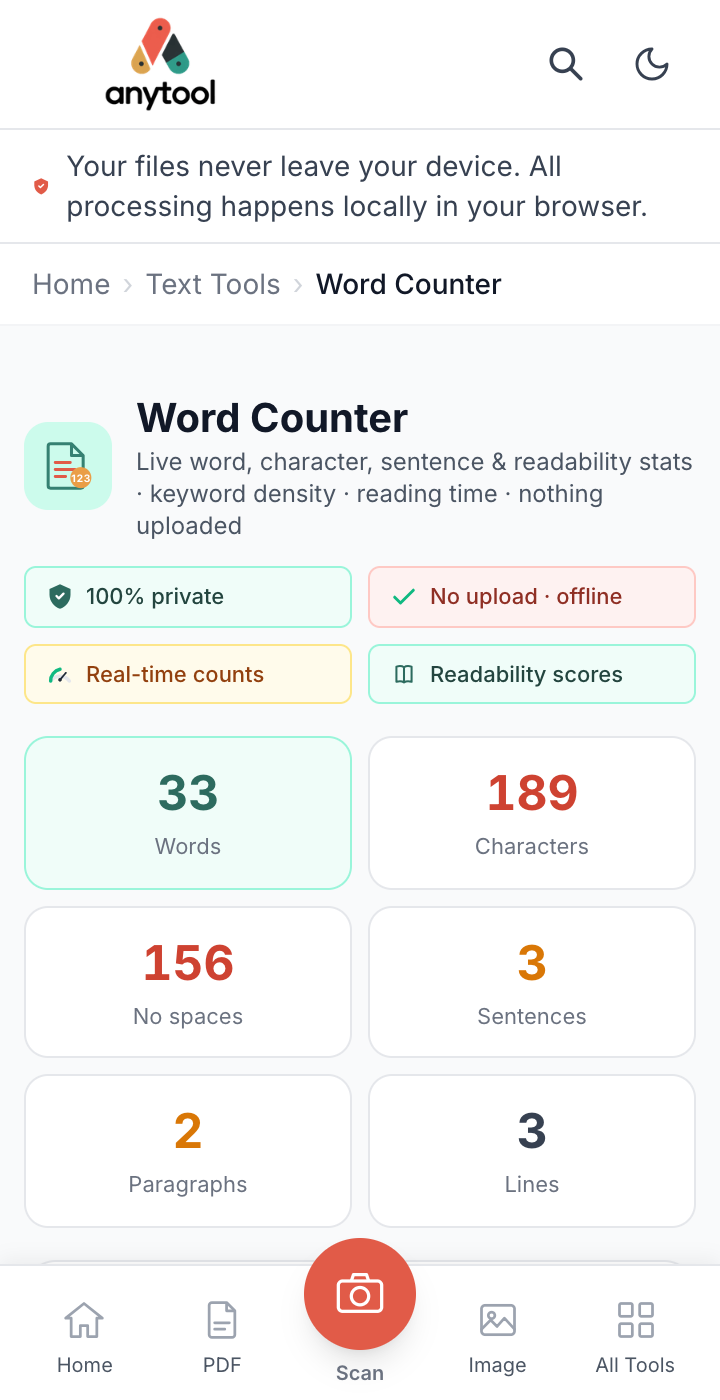
  • Word Counter tool on a phone, in light mode: the AnyTool header, live counts of words and characters, and a bottom navigation bar with a round Scan button.
Fig. 05 — Home, Image Tools and Resize Image in dark mode, and Word Counter in light mode.

Next project

Website

Chai Mahel

A brand website for a chai franchise, where a cup of chai pours as you scroll.

Web Designed & built for a client

Have a project in mind?

Tell us what you want to build, and we will reply with the next steps.